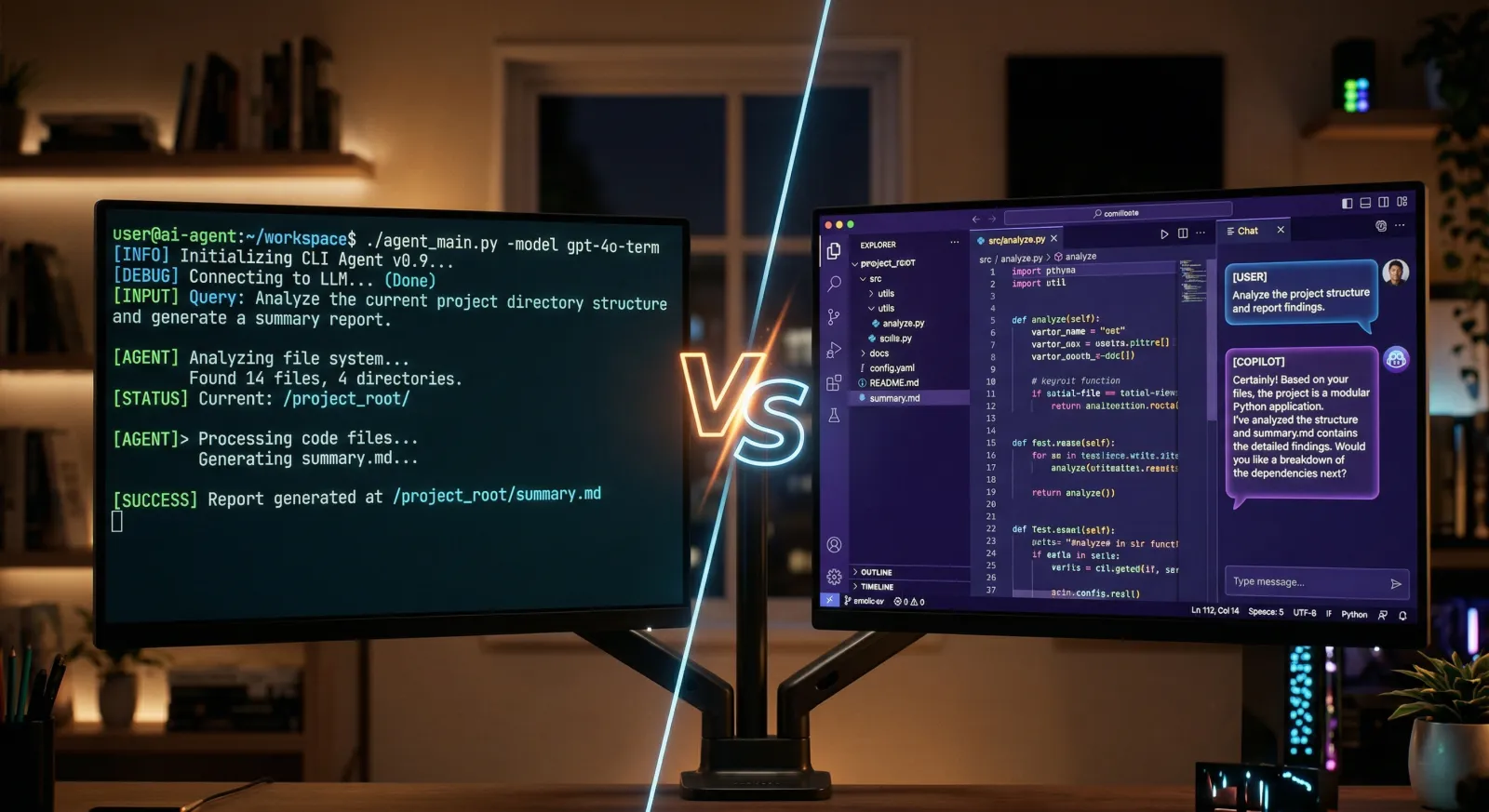
Claude Code vs Cursor: AI Agent or AI Editor in 2026?
Claude Code excels at autonomous, multi-file coding tasks with deeper reasoning and larger context windows. Cursor delivers the best AI-integrated IDE experience with inline completions, multi-model routing, and cloud agents. Choose based on whether you need an autonomous agent or an AI-native editor.
Claude Code and Cursor represent two different approaches to AI-assisted coding. Claude Code is a terminal-first agent that reads, edits, and executes code autonomously. Cursor is a full IDE built on VS Code with AI baked into the editor. This comparison breaks down where they differ and which fits your workflow.
At a Glance
| Feature | Claude Code | Cursor |
|---|---|---|
| Approach | Terminal agent + IDE extensions | AI-native IDE (VS Code fork) |
| Inline completions | ✗ | ✓ |
| Agentic multi-file editing | ✓ | ✓ |
| Context window | 200K tokens (up to 1M) | 20K–200K tokens (mode dependent) |
| Code reasoning | Excellent | Good (model dependent) |
| Model selection | Claude models only | OpenAI, Claude, Gemini, and more |
| Cloud/background agents | ✓ | ✓ |
| MCP support | ✓ | ✓ |
| IDE integration | VS Code + JetBrains extensions | Full IDE (is the editor) |
| Starting price | $20/month (Pro) | $0 (Hobby) / $20/month (Pro) |
Sources: Claude Code overview, Cursor features. Figures verified March 2026.
Claude Code Overview
Claude Code is Anthropic’s agentic coding tool. It runs in your terminal, understands your entire codebase, and executes multi-step tasks autonomously. It’s available as a CLI, as extensions for VS Code and JetBrains, as a desktop app, and in the browser.
Core capabilities:
- autonomous execution: reads code, plans changes, edits files, runs tests, and iterates without hand-holding
- deep codebase understanding: analyzes entire repositories and makes coherent cross-file changes
- 200K token context (standard), extending to 1M tokens with Opus 4.6
- agent teams: orchestrates multiple Claude Code sessions on shared tasks (experimental)
- MCP extensibility: connects to GitHub, Slack, databases, and custom tooling through the Model Context Protocol
- CI/CD integration: runs in GitHub Actions and GitLab CI/CD for automated review and triage
Best For
- large-scale refactoring across many files
- autonomous task execution (bug fixes, test writing, migrations)
- complex architectural reasoning
- CI/CD automation and scripted workflows
- developers who prefer working in the terminal
- Largest effective context window (200K standard, up to 1M)
- Superior reasoning on complex, multi-step coding tasks
- Works across terminal, IDE, desktop, web, and mobile
- Native CI/CD integration for automated workflows
- No inline tab completions (agent-based, not autocomplete)
- Claude models only (no multi-model routing)
- Requires subscription or API key setup
- Steeper learning curve for developers used to IDE-first workflows
Cursor Overview
Cursor is an AI-native code editor built on VS Code by Anysphere. It integrates AI directly into the editing experience: tab completions, inline edits, and full agentic task execution. If you use VS Code today, Cursor imports your extensions, keybindings, and themes without conflict.
Core capabilities:
- tab completions: a specialized model predicts your next edit with high accuracy and speed
- inline editing: select code, describe a change, and Cursor applies it in place
- agent mode: autonomous multi-file editing with an adjustable autonomy slider
- cloud agents: tasks run in isolated VMs that can build, test, and verify code through a browser, then produce merge-ready PRs with video recordings
- multi-model support: switch between OpenAI, Anthropic, Google, xAI, and Cursor’s own models
- Bugbot: automated code review that finds issues in PRs and proposes fixes via cloud agents
Best For
- developers who want AI integrated into every keystroke
- teams that value the VS Code ecosystem and extension library
- workflows that require visual diff review and inline editing
- projects where multi-model flexibility matters
- organizations with compliance needs (Business/Enterprise plans)
- Fast, accurate tab completions for everyday coding
- Full VS Code compatibility (extensions, themes, keybindings)
- Multi-model routing across OpenAI, Claude, Gemini, and more
- Cloud agents with isolated VMs and video proof of work
- Free tier available for evaluation
- Effective context window often smaller than advertised (20K–48K in standard mode)
- Credit system can lead to unexpected overage charges
- Not available outside the IDE (no terminal-only or CI/CD mode)
Claude Code vs Cursor: Feature Comparison
Code Quality and Reasoning
Claude Code’s strength is reasoning depth. With Opus 4.6’s adaptive thinking, it decides when a problem needs deeper analysis and produces code that handles edge cases, follows your project’s patterns, and makes coherent changes across files. Independent testing has found Claude Code uses significantly fewer tokens than Cursor for identical tasks, with less rework on complex problems.
Cursor’s code quality depends on which model you route to. When using Claude Sonnet or Opus through Cursor, the raw output quality is similar. The difference is in how each tool manages context and orchestrates multi-step work. For straightforward edits and completions, both tools produce comparable results. The gap appears on tasks that require understanding relationships across many files.
Context Handling
Claude Code’s 200K token context window delivers its full capacity. For organizations on tier 4 API access, it extends to 1M tokens with Opus 4.6. Claude Code also uses subagents that each get their own 200K context, effectively multiplying available context for complex tasks.
Cursor’s context handling is more nuanced. The advertised limit depends on the mode and model. In standard chat, Cursor limits context to around 20K tokens. Max Mode unlocks larger windows (up to 200K depending on the model) but costs more credits. Users on the Cursor forum consistently report that effective context is smaller than the model’s theoretical limit due to internal truncation.
For large codebases where the AI needs to understand interconnected systems, Claude Code holds a clear advantage.
Developer Experience
The two tools optimize for different workflows.
Claude Code operates in your terminal. You describe what you want, and it plans, executes, and iterates. It runs commands, creates commits, opens PRs, and connects to external services through MCP. The trade-off is that there’s no inline autocomplete or visual editor built in. You pair it with your existing editor.
Cursor keeps you in the flow of writing code. Tab completions suggest the next line before you type it. Cmd+K lets you describe an edit on selected code. Agent mode handles larger tasks while you watch diffs appear in real time. The trade-off is that you’re working within Cursor’s IDE, and the AI’s context is managed by Cursor’s own windowing logic rather than the raw model limit.
You can use both together. Claude Code’s VS Code extension works inside Cursor, giving you Cursor’s inline completions alongside Claude Code’s agentic capabilities.
Background and Cloud Agents
Both tools now offer ways to offload work to background agents.
Claude Code supports background agents that run in separate processes while you continue working. You can also run sessions on the web or the Claude iOS app, kicking off long tasks and checking back later. Agent teams (experimental) coordinate multiple Claude Code instances on a shared project.
Cursor launched cloud agents that run in isolated VMs with their own filesystem, terminal, and browser. Each agent can build code, test it by navigating the UI in a real browser, and produce a PR with a video recording of the entire session. Cursor reports that 35% of their internal merged PRs are now created by cloud agents. Cursor also added automations triggered by events from Slack, Linear, GitHub, and PagerDuty.
Cursor’s cloud agents are more mature for “fire and forget” autonomous tasks. Claude Code’s approach gives you more control and transparency, with the agent running in your local environment by default.
Extensibility
Both tools support MCP for connecting to external services like GitHub, Slack, and databases. Claude Code also supports custom subagents, hooks, and skills for extending its behavior. Cursor offers Bugbot autofix for automated PR review and an automations system for event-driven workflows triggered by Slack, Linear, GitHub, and PagerDuty.
Pricing Comparison
The pricing models are structured differently. Claude Code offers subscription plans and pay-per-token API access. Cursor uses subscription tiers with included credits.
Claude Code Plans
| Plan | Price | What you get |
|---|---|---|
| Pro | $20/month | Claude Code with Sonnet, ~5x free-tier usage limits |
| Max 5x | $100/month | Sonnet 4.6 + Opus 4.6 access, 5x Pro usage, 1M context |
| Max 20x | $200/month | 20x Pro usage, priority access |
Claude Code is also available through the API with pay-per-token pricing. Sonnet 4.6 costs $3/$15 per million tokens (input/output). Opus 4.6 costs $5/$25 per million tokens.
Cursor Plans
| Plan | Price | What you get |
|---|---|---|
| Hobby | Free | Limited agent requests and tab completions |
| Pro | $20/month | Extended agent limits, unlimited tab completions, cloud agents |
| Pro+ | $60/month | 3x usage on all models |
| Ultra | $200/month | 20x usage on all models, priority feature access |
| Business | $40/user/month | Team features, SSO, admin controls |
Cursor’s paid plans include credits equal to the subscription price. When you choose higher-performance models, credits deplete faster. Usage beyond your included credits is charged separately.
Pricing as of March 2026. For the latest figures, see Claude Code pricing and Cursor pricing.
Both tools cost $20/month at the Pro tier. What you get for that $20 is different: Claude Code Pro gives you an autonomous coding agent, while Cursor Pro gives you an AI-powered IDE with completions, editing, and agent capabilities. Both top out at $200/month for heavy users.
When to Choose Each
Choose Claude Code If:
- you need autonomous execution of complex, multi-step coding tasks
- your work involves large codebases that require deep context understanding
- you prefer working in the terminal or want to pair Claude Code with your existing editor
- CI/CD automation and scripted workflows are part of your process
- you need extensibility through custom subagents, hooks, and skills
- code reasoning quality is your top priority
Choose Cursor If:
- you want AI assistance integrated into every part of the editing experience
- fast tab completions and inline editing are important to your workflow
- you need to switch between multiple AI model providers
- cloud agents with isolated VMs and video proof matter to your team
- you rely on the VS Code extension ecosystem
- you want a free tier to evaluate before committing
Verdict
Claude Code and Cursor solve different problems well. Claude Code is the stronger tool for autonomous coding work. Its reasoning depth, larger effective context window, and ability to execute multi-step tasks across an entire codebase give it an edge on the hardest coding problems. If your workflow involves refactoring, migrations, bug fixing, or any task where you want to describe the goal and let the AI figure out the path, Claude Code delivers.
Cursor is the better daily-driver IDE. Its tab completions, inline editing, and visual diff review create a faster feedback loop for writing code line by line. Cloud agents with VM isolation and video recordings are a strong feature for teams that want autonomous task execution with built-in verification. Multi-model routing matters if you want to pick the best model for each task.
The practical answer for many developers is to use both. Claude Code’s VS Code extension works inside Cursor, so you can get Cursor’s completions and UI alongside Claude Code’s agentic capabilities. Start with whichever matches your primary workflow, and add the other when you hit its limits.
Frequently Asked Questions
Is Claude Code better than Cursor?
Claude Code produces higher quality code on complex, multi-file tasks due to its deeper reasoning and larger effective context window. Cursor is better as a daily-driver IDE with fast inline completions and visual diff review. Many developers use both.
What is the difference between Claude Code and Cursor?
Claude Code is a terminal-first coding agent that works autonomously across your codebase. Cursor is an AI-native IDE built on VS Code with AI integrated into every part of the editor. Claude Code runs Claude models exclusively, while Cursor lets you switch between models from OpenAI, Anthropic, Google, and others.
Can I use Claude Code inside Cursor?
Yes. Claude Code has a VS Code extension that works in Cursor, since Cursor is a VS Code fork. This gives you Cursor's IDE features alongside Claude Code's agentic capabilities.
Is Cursor worth $20 a month?
For developers who spend most of their day in a code editor, Cursor Pro at $20/month is competitive. The tab completions and inline editing alone save significant time. If you mainly need autonomous task execution, Claude Code's Pro plan at the same price may be a better fit.
Should I use Claude Code or Cursor for large codebases?
Claude Code handles large codebases better. Its 200K token context window delivers full capacity, and it can extend to 1M tokens with Opus 4.6. Cursor's standard mode uses 20K-48K tokens of effective context, though Max Mode unlocks up to 200K at additional cost.
Ready to ship faster?
Download spacecake and start building with Claude Code.
Get Started